

Magento2 Convert Images To Webp Format


Magento 2 Convert Images to WebP Format
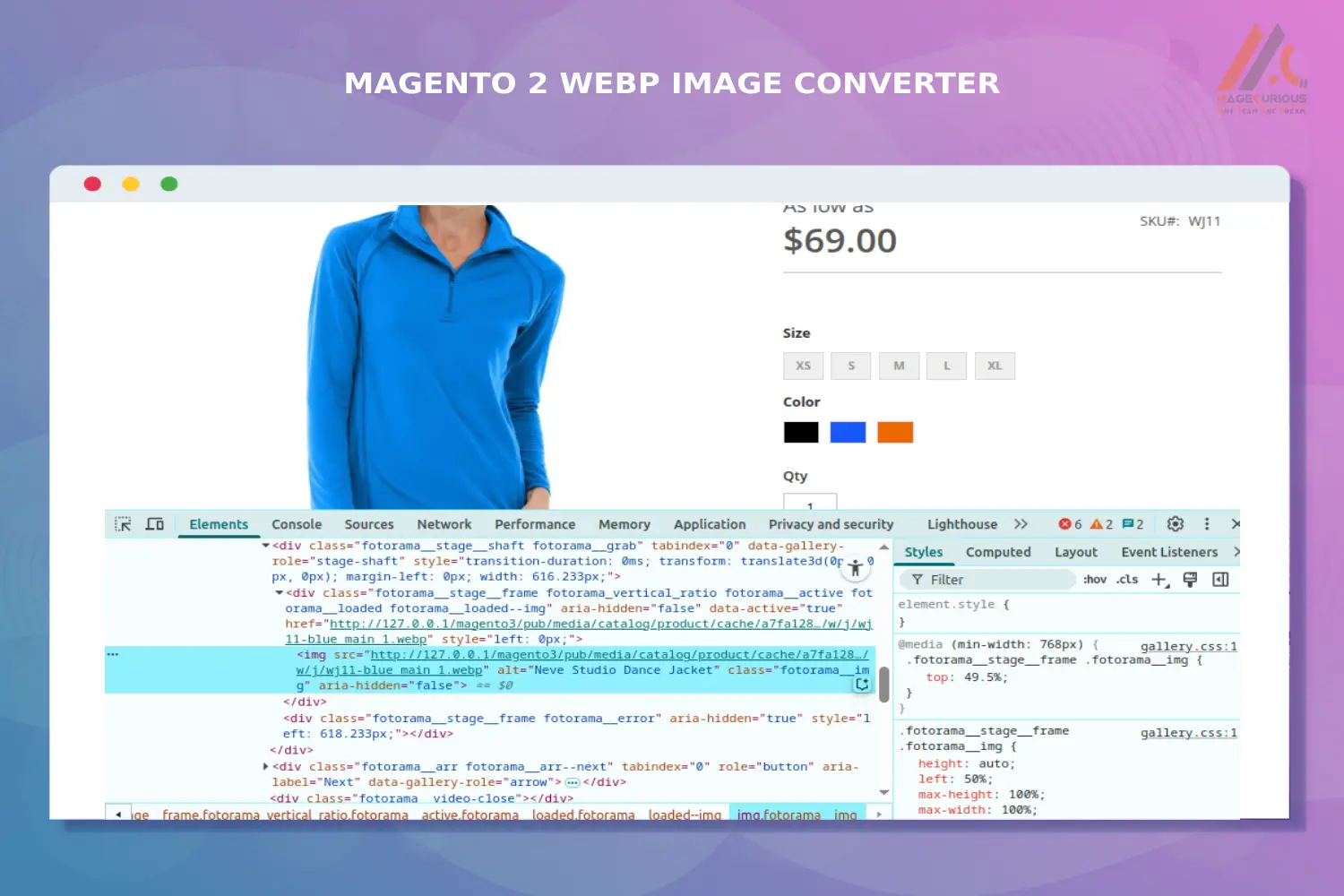
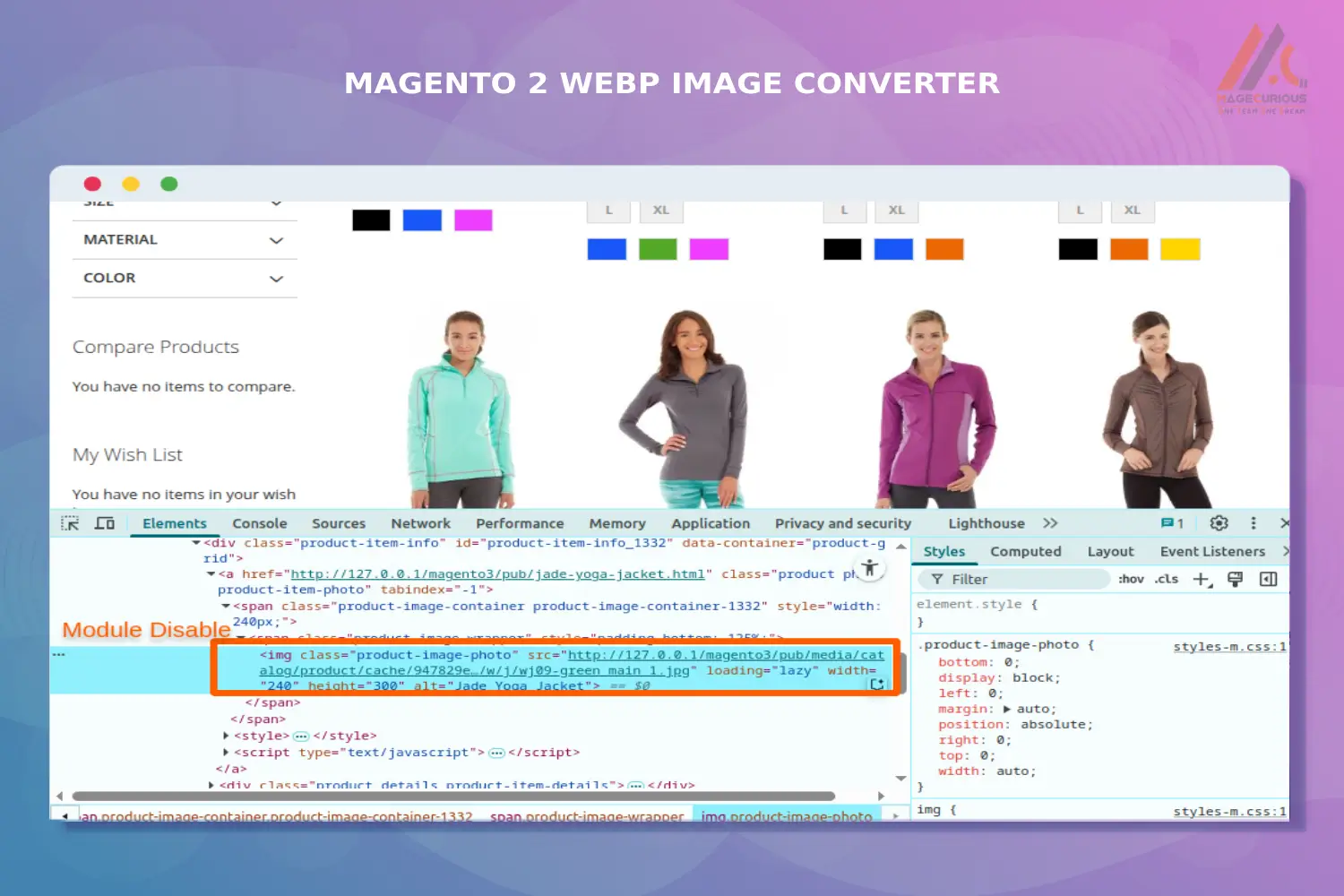
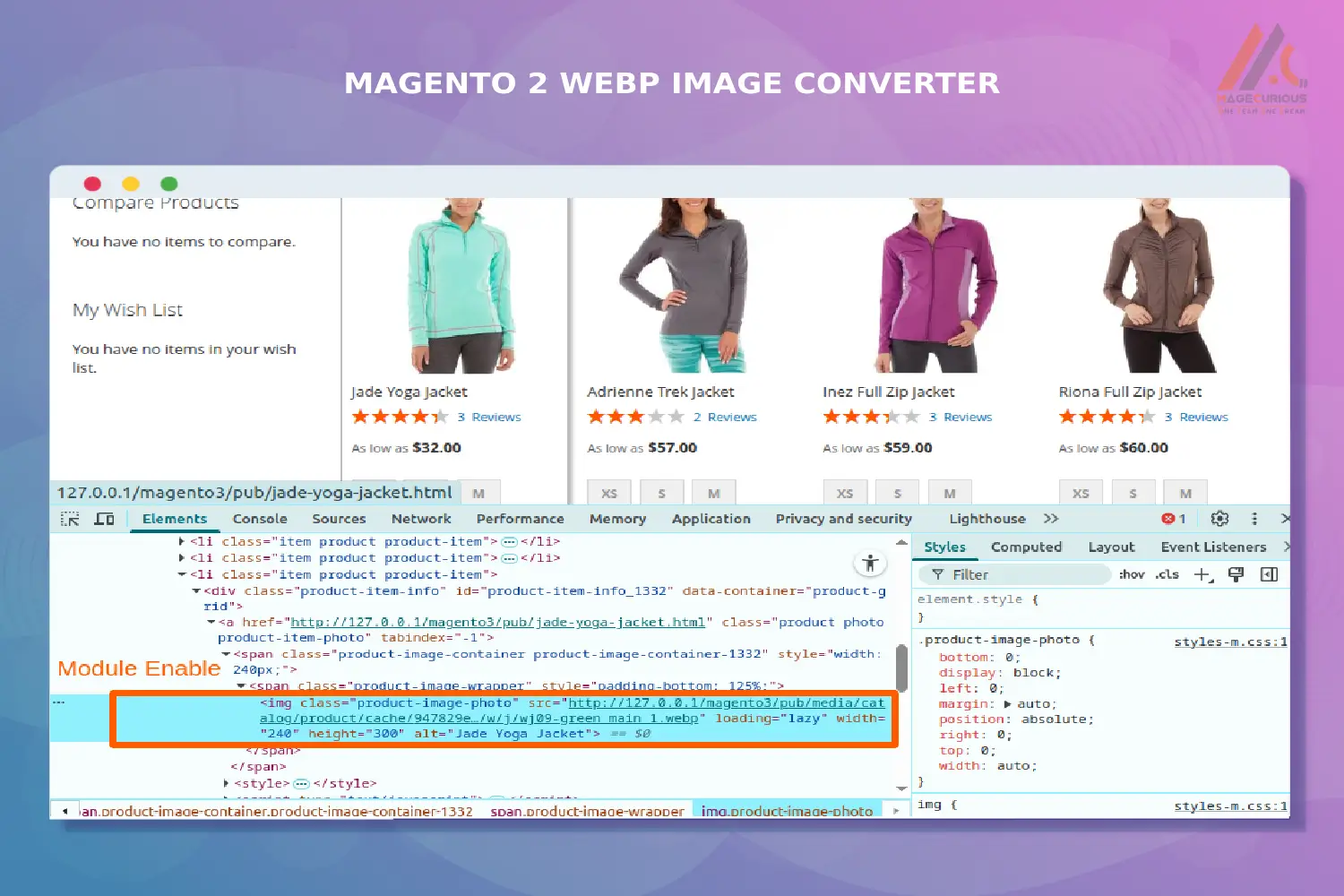
Magecurious Convert Images to WebP Format Extension helps you optimize your store’s performance by automatically converting standard image formats like JPG and PNG into the modern, lightweight WebP format. This powerful extension reduces image file sizes without compromising quality, resulting in faster page load times, improved Core Web Vitals, and better SEO rankings.
Features
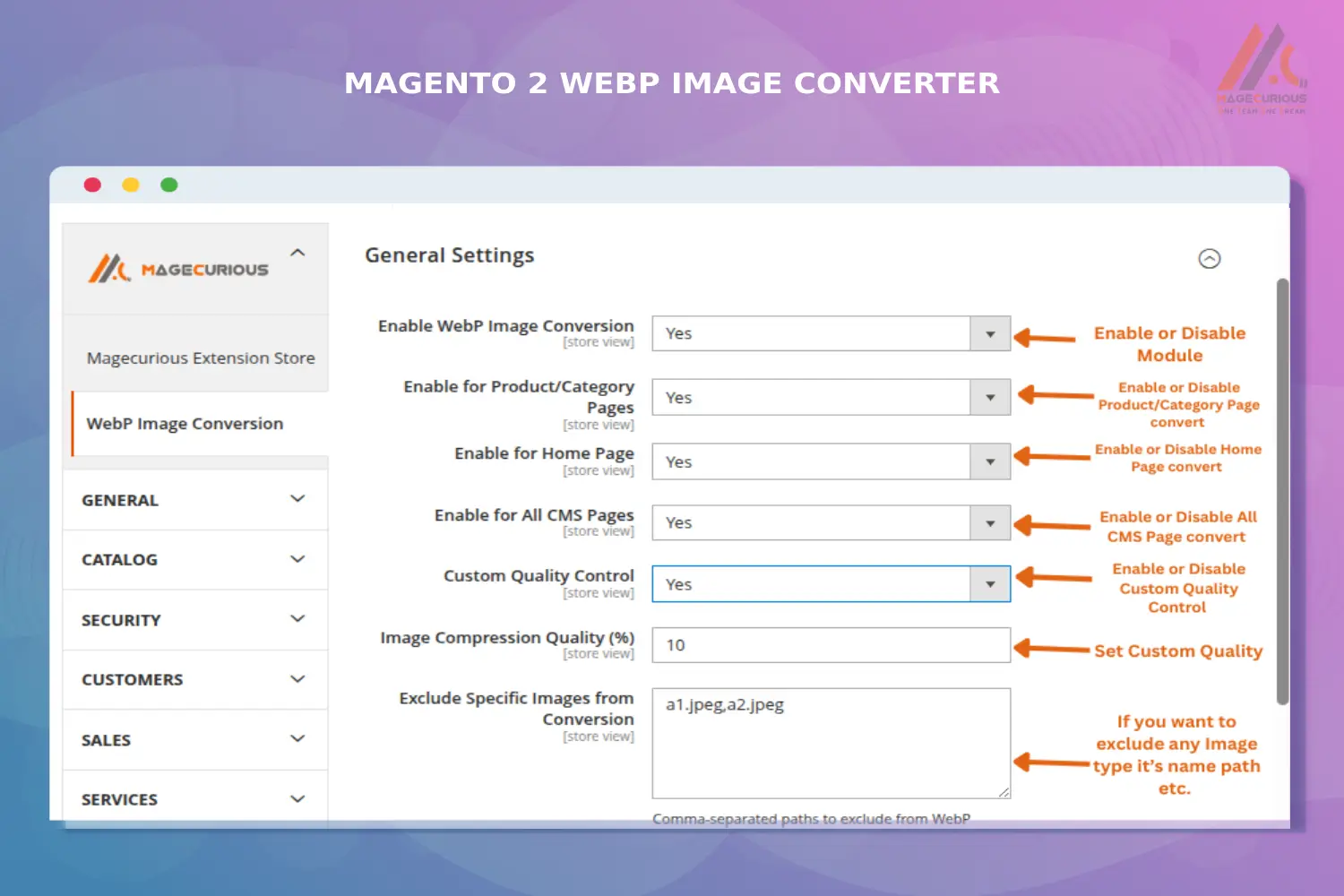
- Admin can easily enable or disable extension from the Magento backend.
- Automatically convert JPG/PNG images to WebP format.
- Convert both existing and newly uploaded images to WebP format.
- Settings for Reduce image file size for faster loading times.
- Settings to enable or disable WebP conversion on specific pages like product, category, or CMS pages.
- Compatible with all modern browsers.
- Easy setup and user-friendly configuration.
- Set custom image compression quality levels.
- Exclude specific images from conversion.
- Compatible With 2.0.x, 2.1.x, 2.2.x, 2.3.x, 2.4.x
Magento 2 Convert Images To WebP Format Extension by MageCurious
MageCurious Convert Images to WebP Format Extension helps you optimize your store’s performance by automatically converting standard image formats like JPG and PNG into the modern, lightweight WebP format. This powerful extension reduces image file sizes without compromising quality, resulting in faster page load times, improved Core Web Vitals, and better SEO rankings.
Ideal for store owners who want to enhance user experience and boost site speed, the extension works seamlessly across product images, category images, CMS content, and more. It supports both manual and automatic conversion options and is compatible with all major browsers that support WebP.
What Is The Purpose Of The Convert Images to WebP Format ?
- Reduce image file sizes while maintaining high visual quality, which leads to faster website loading times, improved user experience, and better SEO performance.
- Speeding up page load times, especially on mobile devices.
- Improving Core Web Vitals, which affects Google rankings
- Reducing bandwidth usage and server load
- Enhancing overall store performance and conversion rates
Advantages Of The Convert Images to WebP Format Extension ?
Faster Page Load Times
WebP images are significantly smaller in size compared to JPG or PNG, which improves your site’s loading speed.Improved SEO & Google Rankings
Faster websites perform better in search engines. WebP images help boost your Core Web Vitals and SEO score.Enhanced User Experience
Quicker load times lead to better browsing experiences and higher conversion rates.Custom Page Control
Enable or disable WebP conversion specifically on product, category, or CMS pages as per your needs.Image Quality Compression Settings
Choose your preferred balance between image quality and file size with adjustable compression settings.Exclude Specific Images
Easily exclude individual images from WebP conversion when needed.Mobile Optimization
Smaller images load faster on mobile networks, improving performance on smartphones and tablets.Cross-Browser Compatibility
Automatically serves WebP only to supported browsers, ensuring a smooth experience for all users.Reduced Bandwidth Usage
Smaller images mean less data usage, which benefits both the server and your customers.
Customer Support
+91 9327798896 OR Contact Us OR support@magecurious.com
Frequently Asked Questions
Yes, the extension allows you to enable or disable WebP conversion on specific pages like product, category, or CMS pages.
No, you can configure the compression level to balance image quality and file size according to your preference.
Yes, you can exclude specific images or folders using the built-in exclude functionality.
It can optimize both existing and newly uploaded images, depending on your configuration.
Yes, the extension allows you to enable or disable WebP conversion on specific pages like product, category, or CMS pages.
Do you need specific features for your business needs?
Fill below form we will contact you soon
Changelog
Version 1.0.1 – Changelog
Release Highlights:
- Fixed minor bugs and improved overall code stability.
- Optimized WebP generation logic for better performance.
- Fully compatible wit