

Magento 2 FingerPrint Authentication


Magento 2 FingerPrint Authentication
Fingerprint Authentication for Magento 2 developed by Magecurious allows store admin to enable authentication for the customer’s login. Using this extension the customers need to use the fingerprint scanner or mobile pin of their mobile phone to log in to the website.
Features
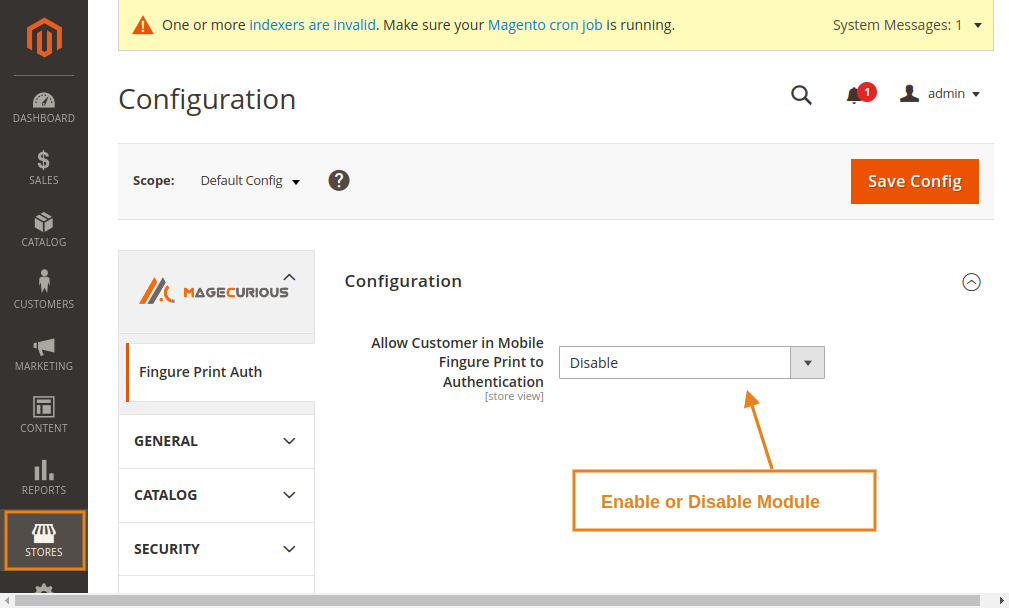
- The admin can Enable/Disable the module.
- Allow customers to log in to the website using a fingerprint scan.
- Enables website customers to authenticate using a fingerprint scan.
- Enhances security and saves time for customers' data.
- Users don't need their password to sign in to the website.
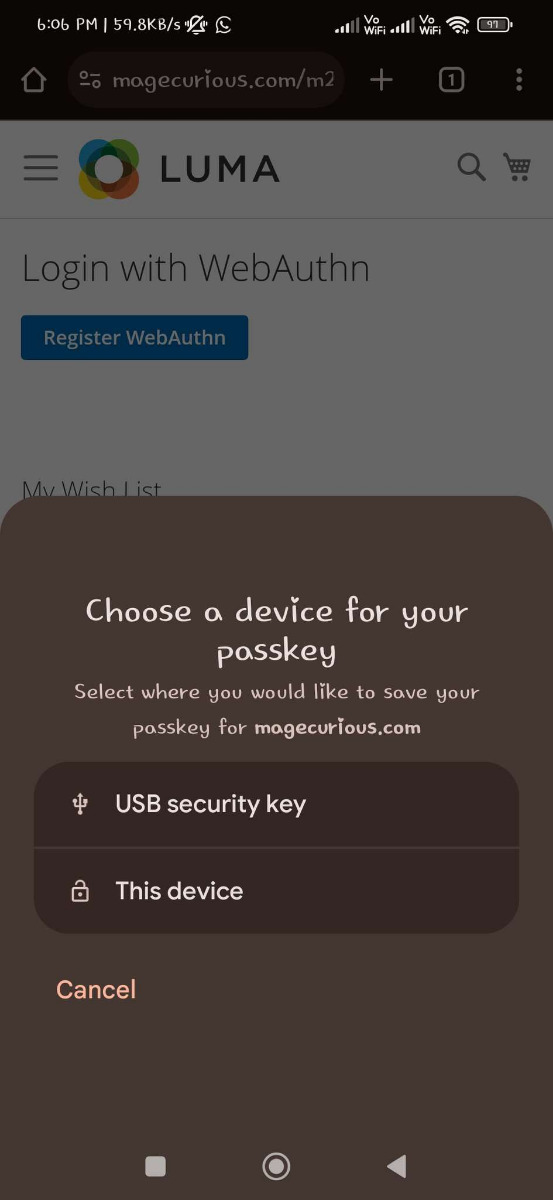
- Your smartphone's PIN can be used for both registering and logging in.
- Compatible With 2.0.x, 2.1.x, 2.2.x, 2.3.x, 2.4.x

Magento 2 Fingerprint Authentication Extension by MageCurious
Customer Authentication extension for Magento 2 developed by Magecurious allows store admin to use fingerprint scanning. This is a very advanced module that prevents customers from entering the password every time they log in.
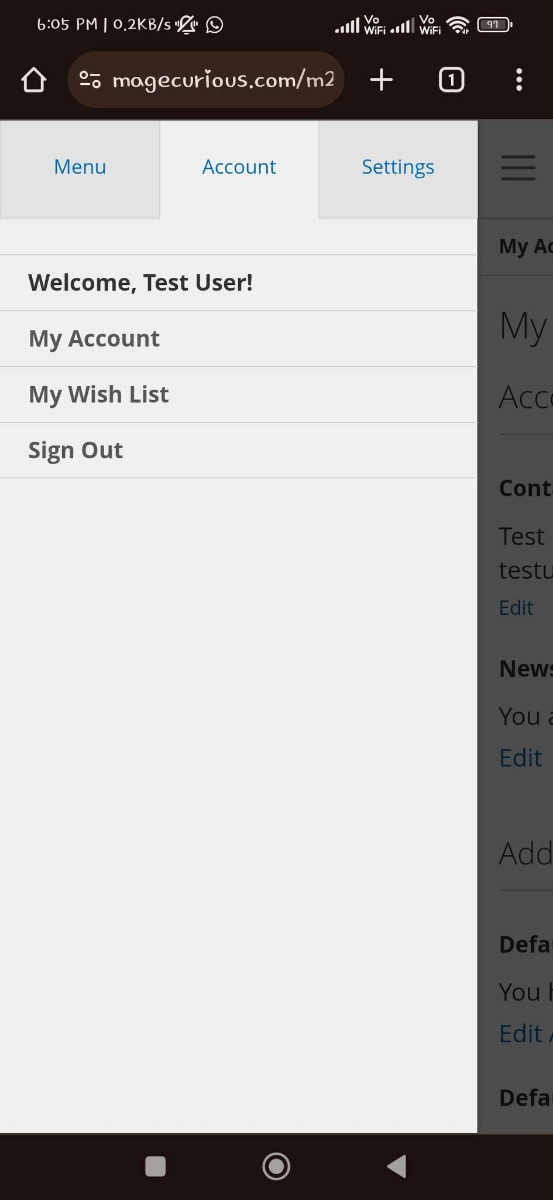
The administrator must enable biometric web authentication for the customer's login process. Now using this module customers simply have to use their mobile's fingerprint scanner or lock-screen pin to log in to the website.
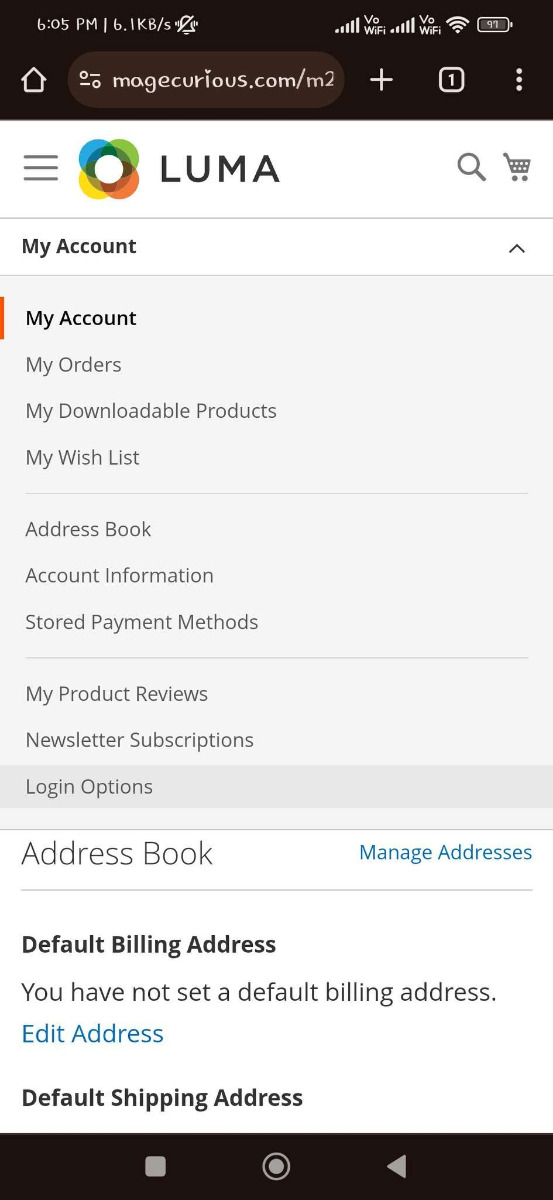
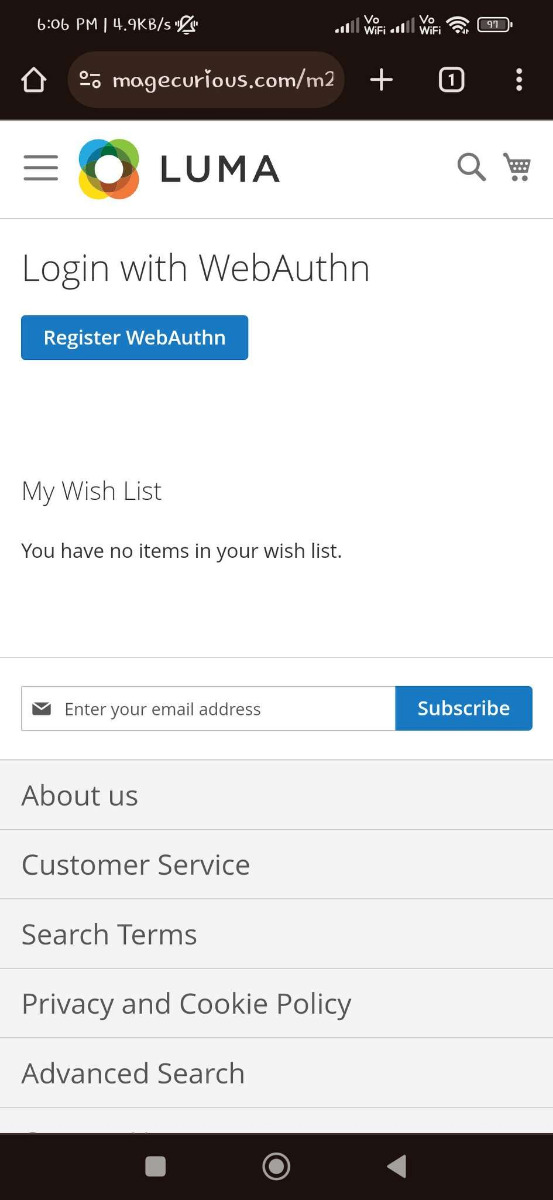
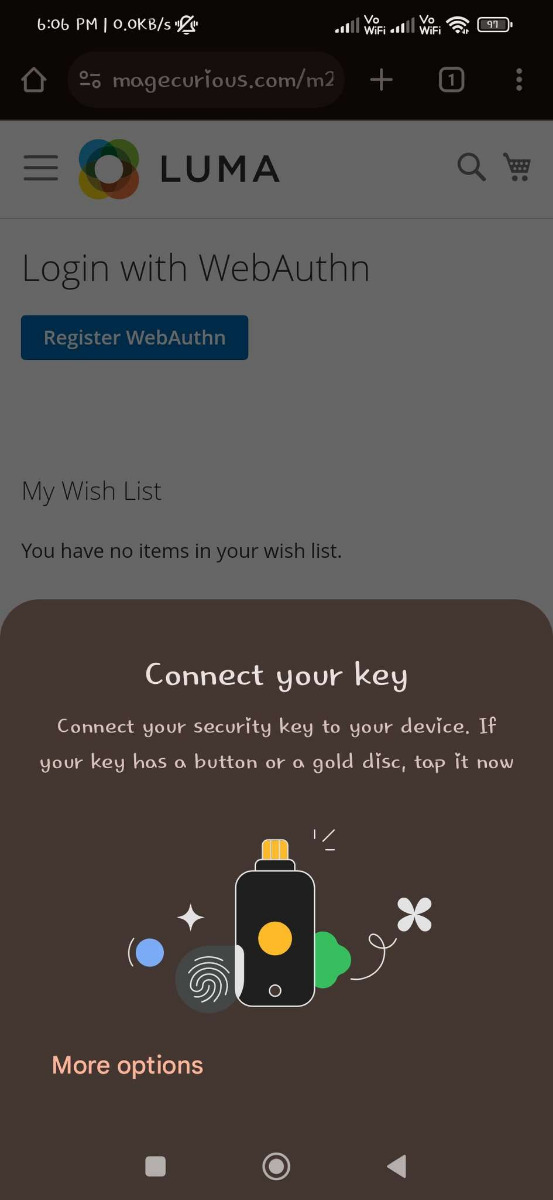
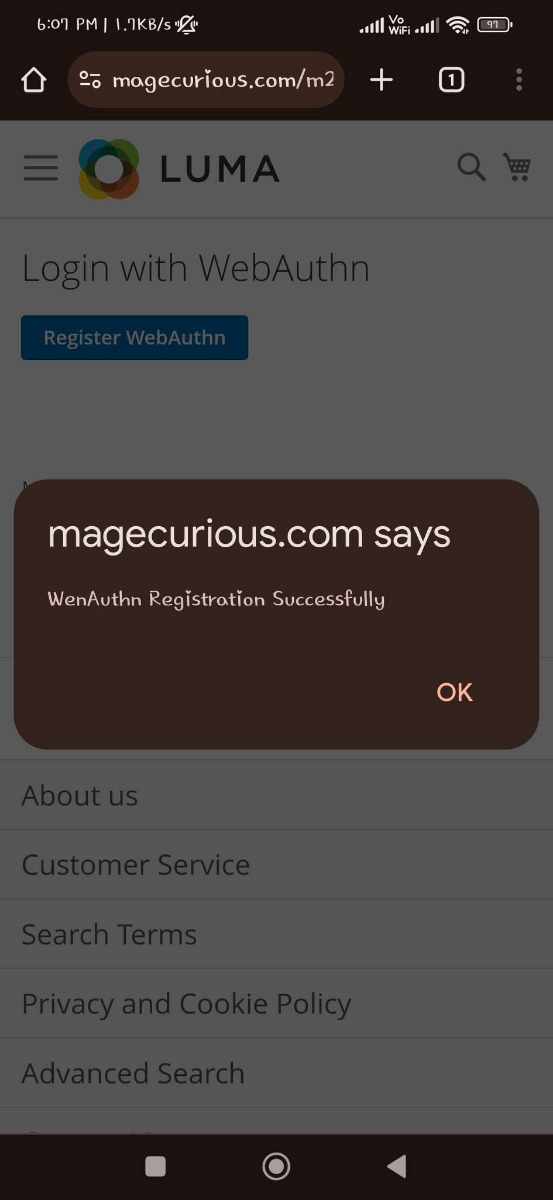
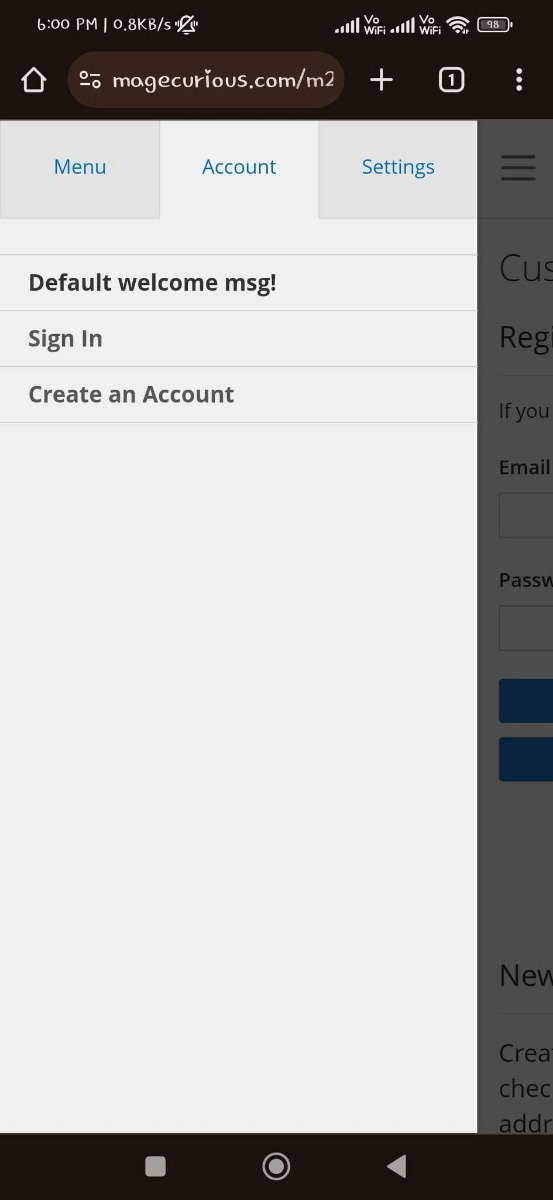
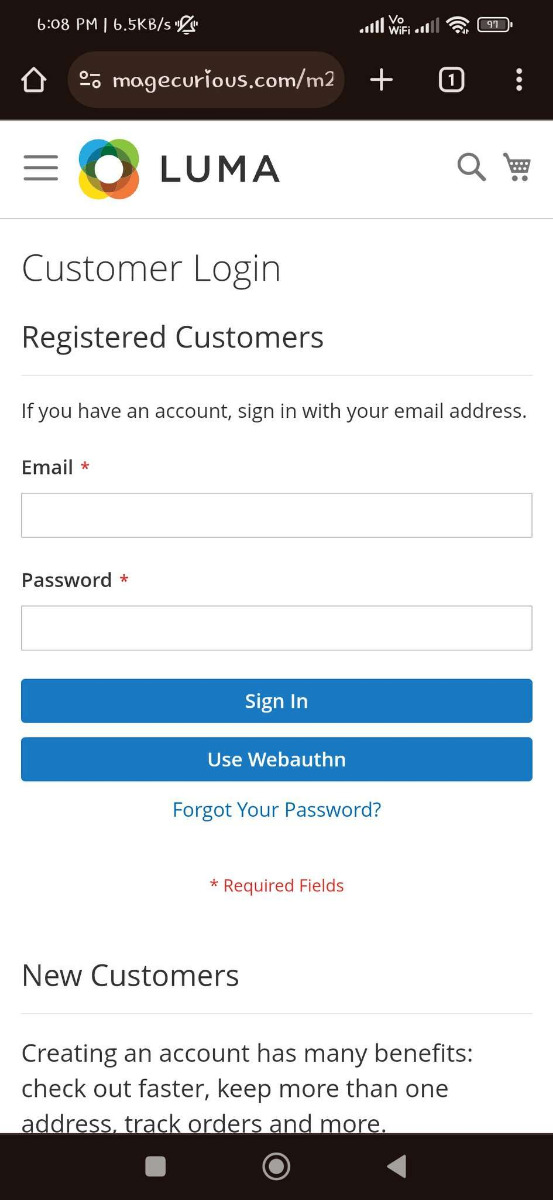
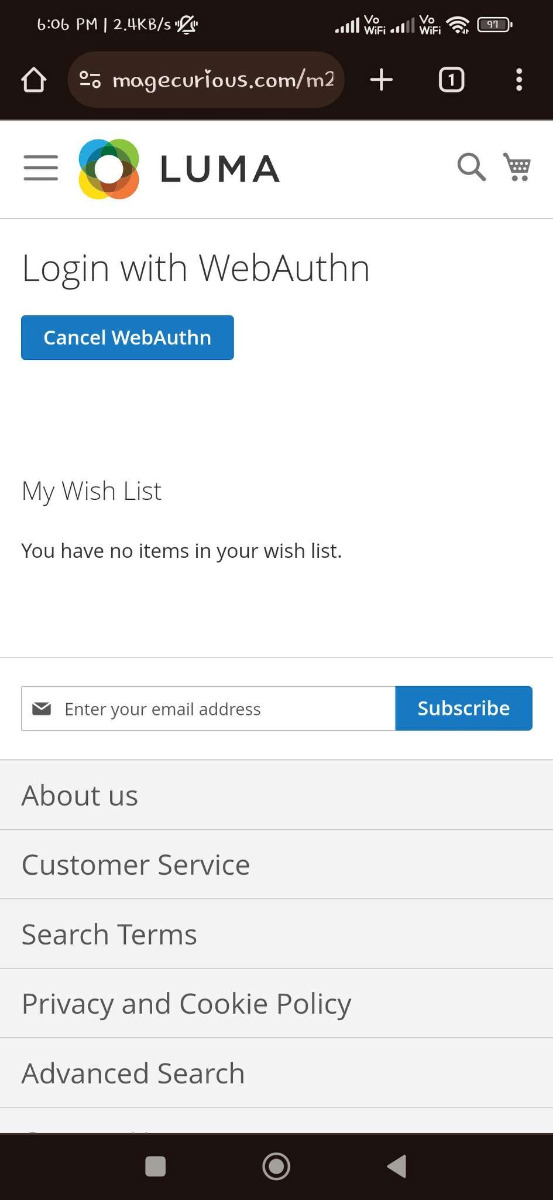
Customers must first register on WebAuthn using the login option under My Account. Then whenever the customer wants to log in, they can click the "Use WebAuth" button to use the fingerprint scanner to log in to the website.
To learn more about how the extension works, read our user guide.
What Is The Purpose Of The Magento 2 Fingerprint Authentication Extension?
- Magento 2 fingerprint authentication is a security feature that utilizes biometric information, such as fingerprints, to verify a user's identity before granting access to the system.
- Instead of relying solely on passwords or tokens, this method uses unique physical characteristics to authenticate users, enhancing security and reducing the risk of unauthorised access.
Advantages Of Magento 2 Fingerprint Authentication Extension?
- Enhanced Security: Fingerprint authentication offers a robust way to verify user identity securely. Unlike conventional passwords, which are susceptible to theft or guessing, fingerprints are unique to each person, greatly thwarting unauthorised access to the system.
- Reduced Risk of Unauthorized Access: Fingerprint authentication notably decreases the risk of unauthorised entry into the Magento 2 system. Even if someone acquires a user's password, accessing the system is only possible with also having access to the user's physical fingerprint.
- Streamlined Login Process: Fingerprint authentication removes the requirement for users to recall intricate passwords or carry authentication tokens. This simplifies the login process, saving time for users and enhancing their experience, ultimately resulting in increased productivity.
- Compliance with Security Standards: Deploying fingerprint authentication adheres to industry-leading security practices and compliance standards. Numerous regulatory frameworks, including GDPR and PCI DSS, advocate or mandate the use of multi-factor authentication techniques such as fingerprint recognition to safeguard sensitive data.
- User Convenience: Fingerprint authentication provides a convenient and user-friendly method for individuals to access the Magento 2 system. Users are relieved from the burden of typing passwords or concerns about forgetting them, potentially enhancing overall satisfaction with the platform.
WHY CHOOSE MAGECURIOUS MAGENTO 2 FINGERPRINT AUTHENTICATION EXTENSION?
SUPPORT
In case of any inconvenience, Feel free to
Contact Us OR support@magecurious.com
Frequently Asked Questions
This question addresses the technical aspects of how the fingerprint authentication feature integrates with Magento 2 and verifies users' identities.
Users might want to know if they can use fingerprint authentication on various devices such as smartphones, tablets, or desktop computers.
Some users may not have devices equipped with fingerprint scanners. This question clarifies alternative methods or if the extension supports other authentication options.
Businesses with shared devices might inquire about the security implications of multiple users using the same fingerprint scanner for authentication.
Users may seek reassurance regarding the security level provided by fingerprint authentication compared to traditional password-based authentication. This FAQ can address the encryption methods used and any additional security measures implemented by the
Fingerprint Authentication allows customers to log in using their fingerprint, enhancing security and convenience.
It provides an extra layer of protection, reducing the chances of unauthorized access and ensuring secure customer accounts.
Yes, it works seamlessly on mobile devices that support fingerprint scanning, providing a smooth user experience.
Do you need specific features for your business needs?
Fill below form we will contact you soon
Changelog
- Compatible With Magento 2.4.7