

Magento 2 Navigate Orders


Magento 2 Navigate Orders
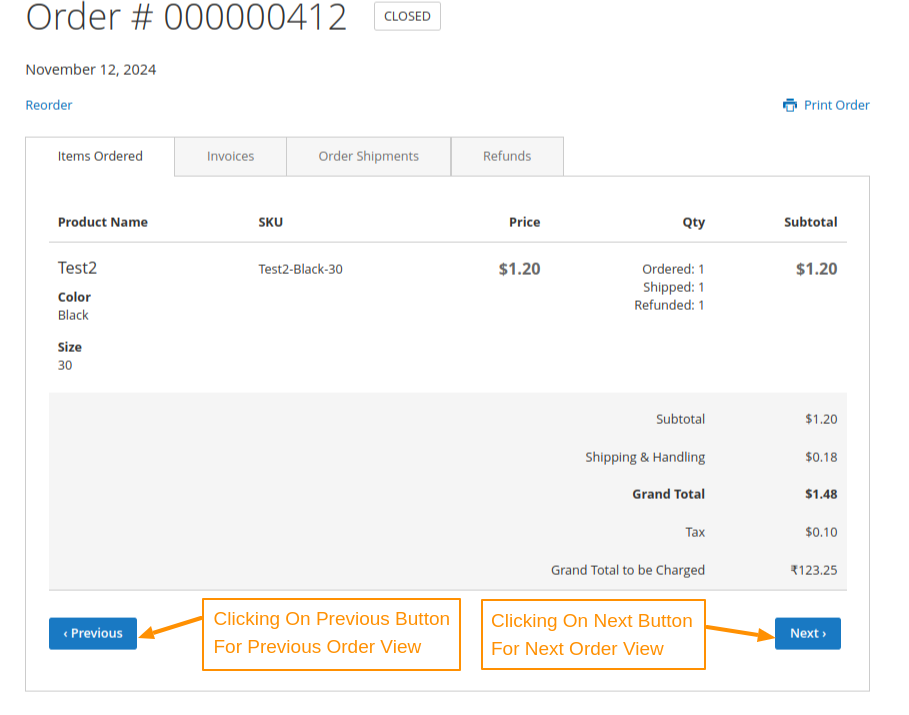
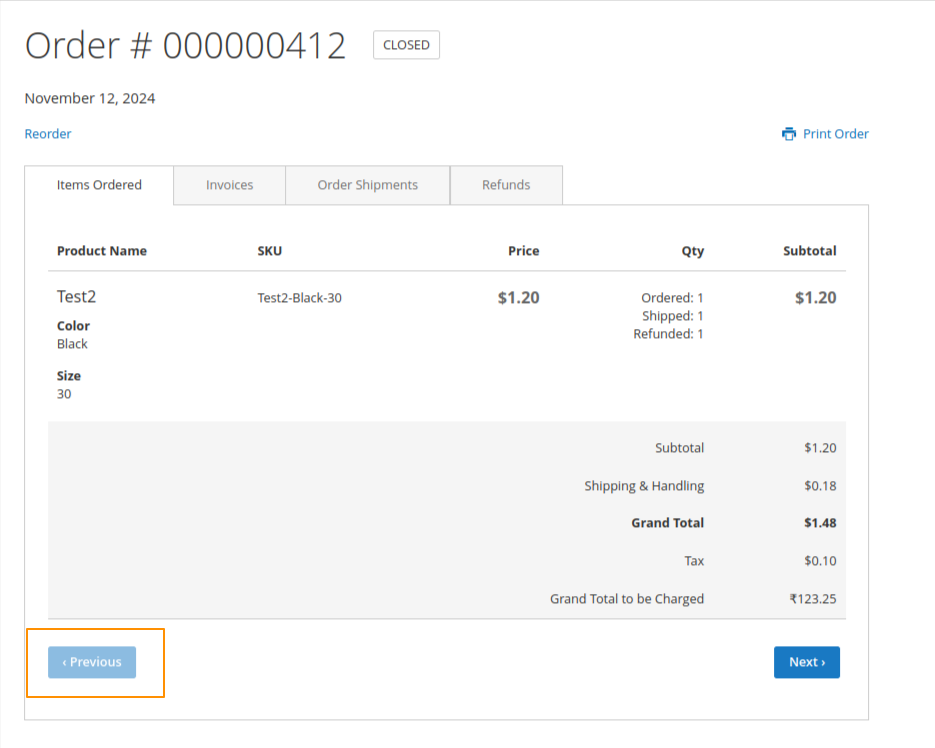
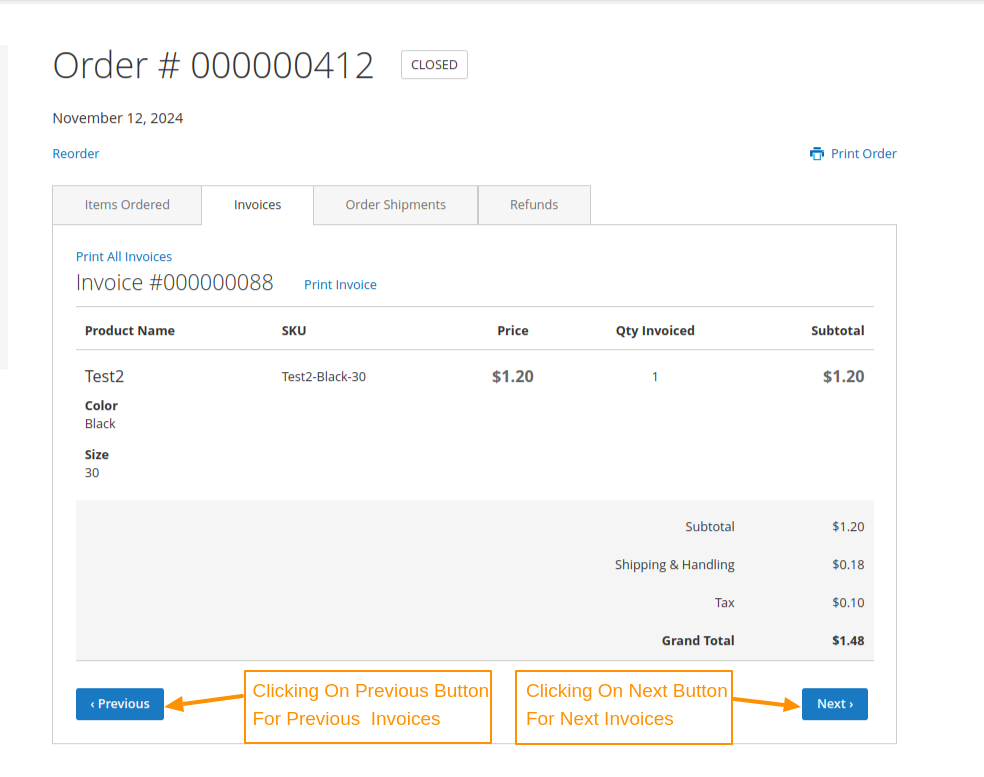
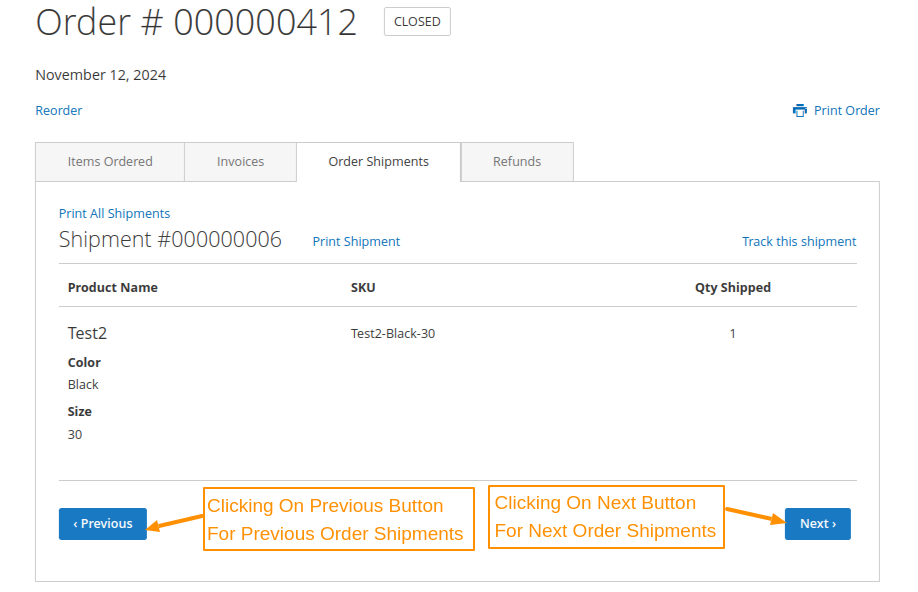
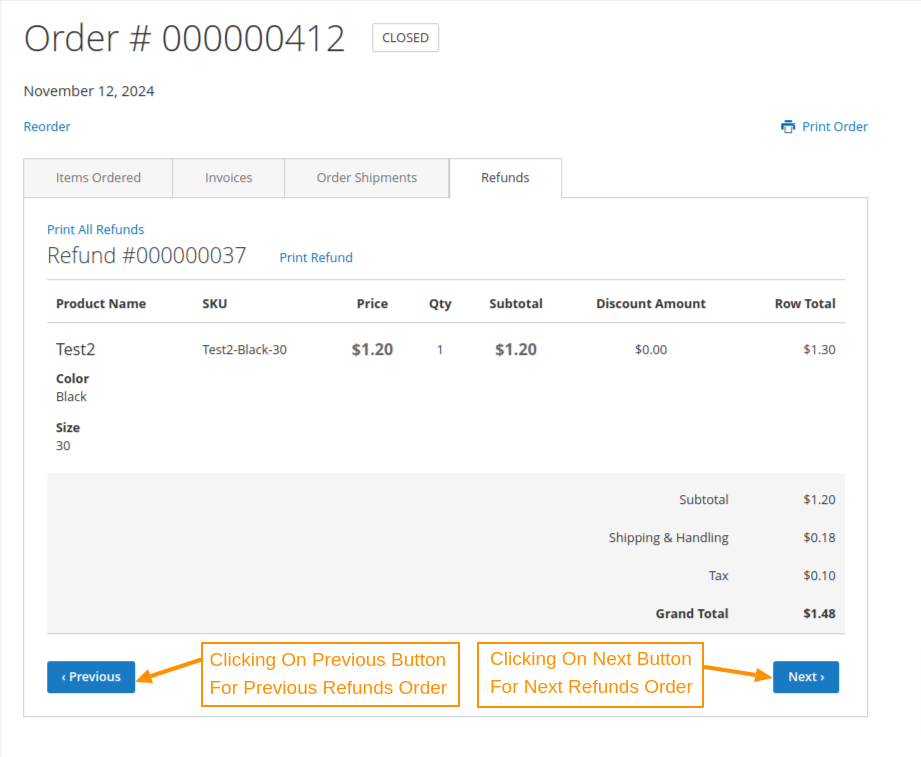
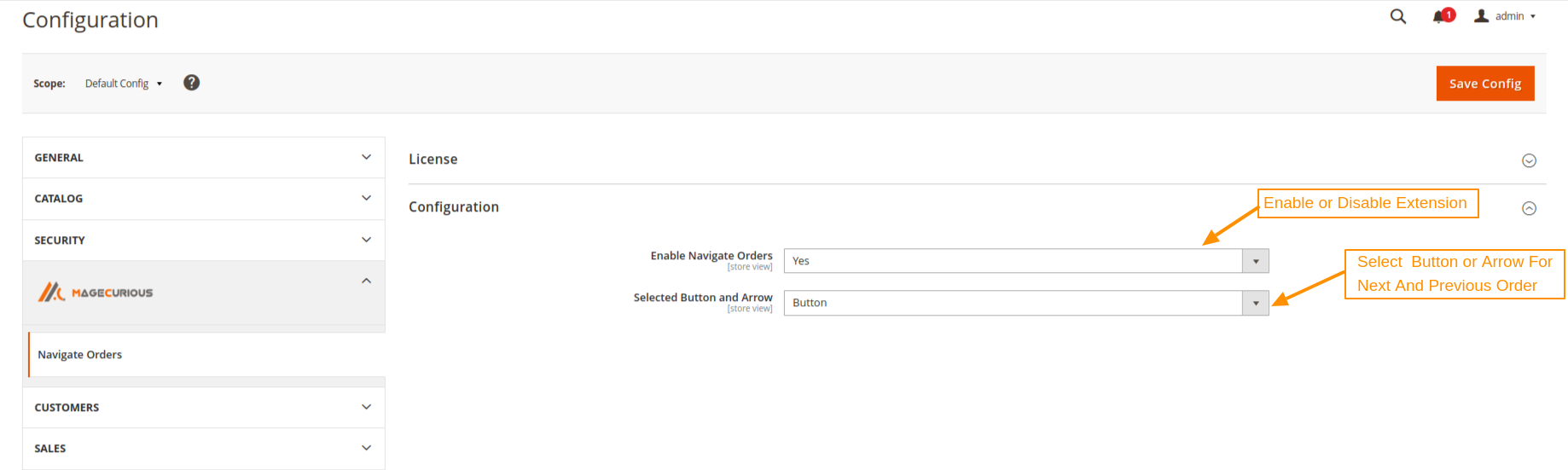
The Magento 2 Navigate Orders module enhances the Magento frontend experience by allowing users to navigate through Items Order, invoices,shipments, and refunds using Next and Previous button/arrow.The admin can choose between button or arrow for navigation. The button/arrow are disabled if there is no next/previous record available.
Features
- Enable or disable from Magneto admin.
- Navigate customer orders, invoices, shipments, and refunds.
- Admin can configure Buttons or Arrows for navigation.
- Dynamic disabling when no next/previous record exists.
- Compatible with 2.0.x , 2.1.x , 2.2.x , 2.3.x , 2.4.x

Magento 2 Navigate Orders Extension by MageCurious
The Magento 2 Navigate Orders module enhances the Magento frontend experience by allowing users to navigate through Items Order, invoices, shipments, and refunds using Next and Previous button/arrow.The admin can choose between button or arrow for navigation. The button/arrow are disabled if there is no next/previous record available.
To learn more about how the extension works, read our User Guide.
What are the advantages of the Magento 2 Navigate Orders Extension?
- Navigate customer orders, invoices, shipments, and refunds.
- Navigate customer orders, invoices, shipments, and refunds.
- Admin can configure Buttons or Arrows for navigation.
- Dynamic disabling when no next/previous record exists.
Customer Support
+91 9327798896 OR Contact Us OR support@magecurious.com
Frequently Asked Questions
Magento 2 Navigate Orders allows store admins to easily track and manage customer orders from the backend.
It simplifies order tracking, making it more efficient to process and fulfill customer orders.
Yes, you can filter orders by various criteria such as status, date, and customer.