
Magento 2 WebP Image Upload


Magento 2 WebP Image Upload
WebP Image Upload is a Magento 2 extension that simplifies WebP and SVG image management for products, categories, and CMS pages. It enhances store performance with better compression rates and scalable graphics for faster loading times and improved visual appeal.
Features
- Support for WebP And SVG Formats.
- Enhanced Performance.
- Faster Page load Time.
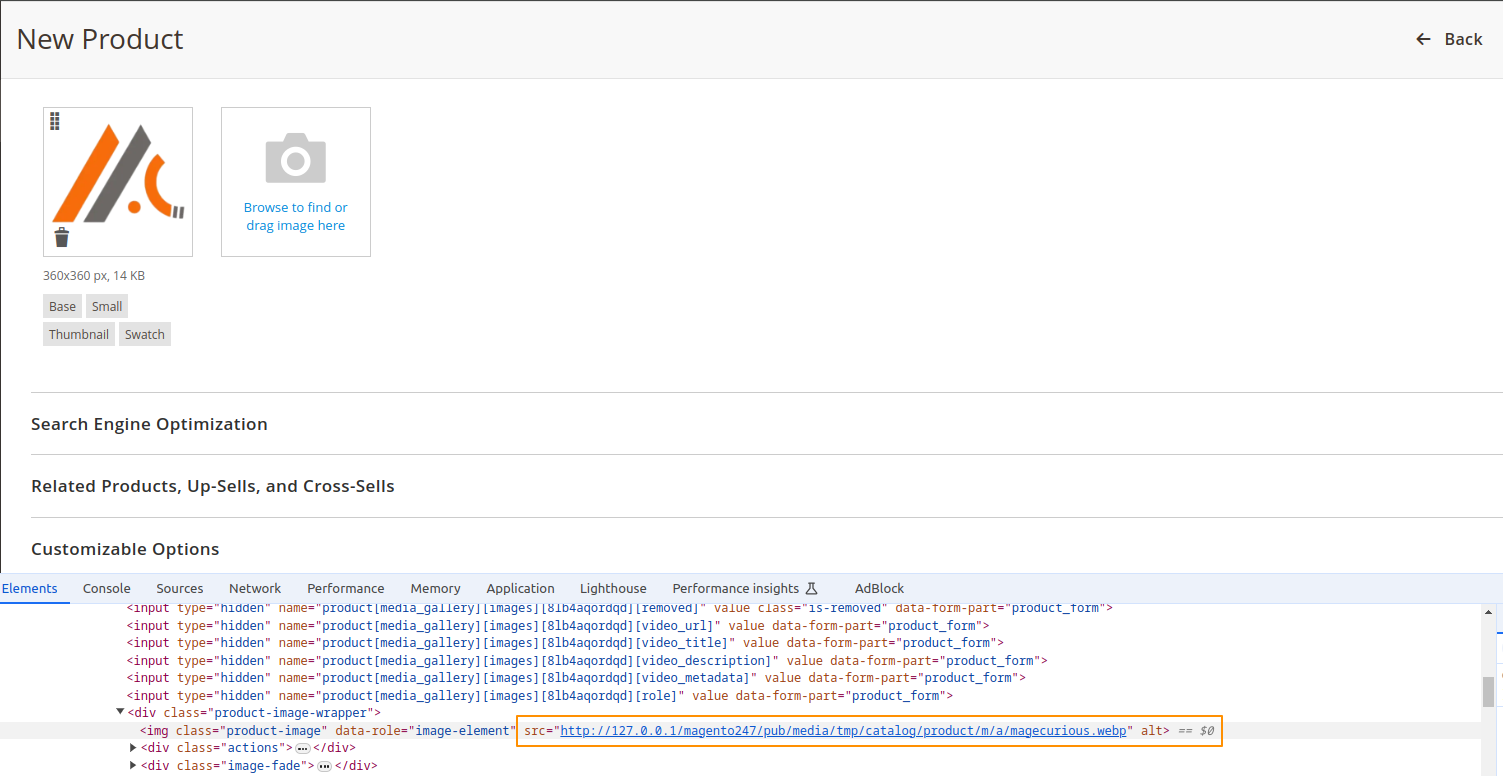
- Admin Can Upload SVG And WebpFormate across all Areas Of The Site.
- Compatible With 2.0.x, 2.1.x, 2.2.x, 2.3.x, 2.4.x


Magento 2 WebP Image Upload Extension by MageCurious
- WebPImageUpload is a feature-rich and user-friendly Magento 2 extension designed to significantly enhance your store’s image-handling capabilities.
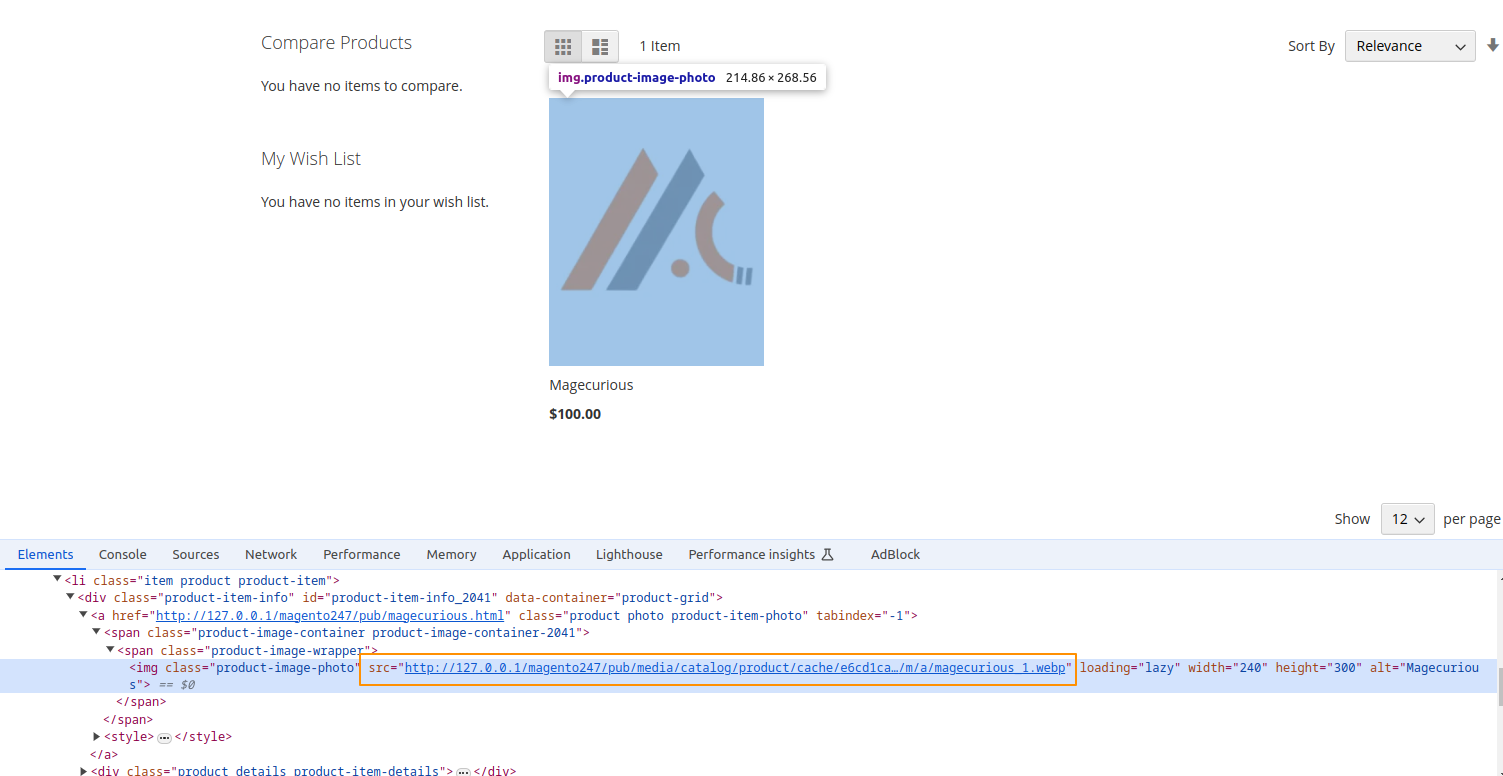
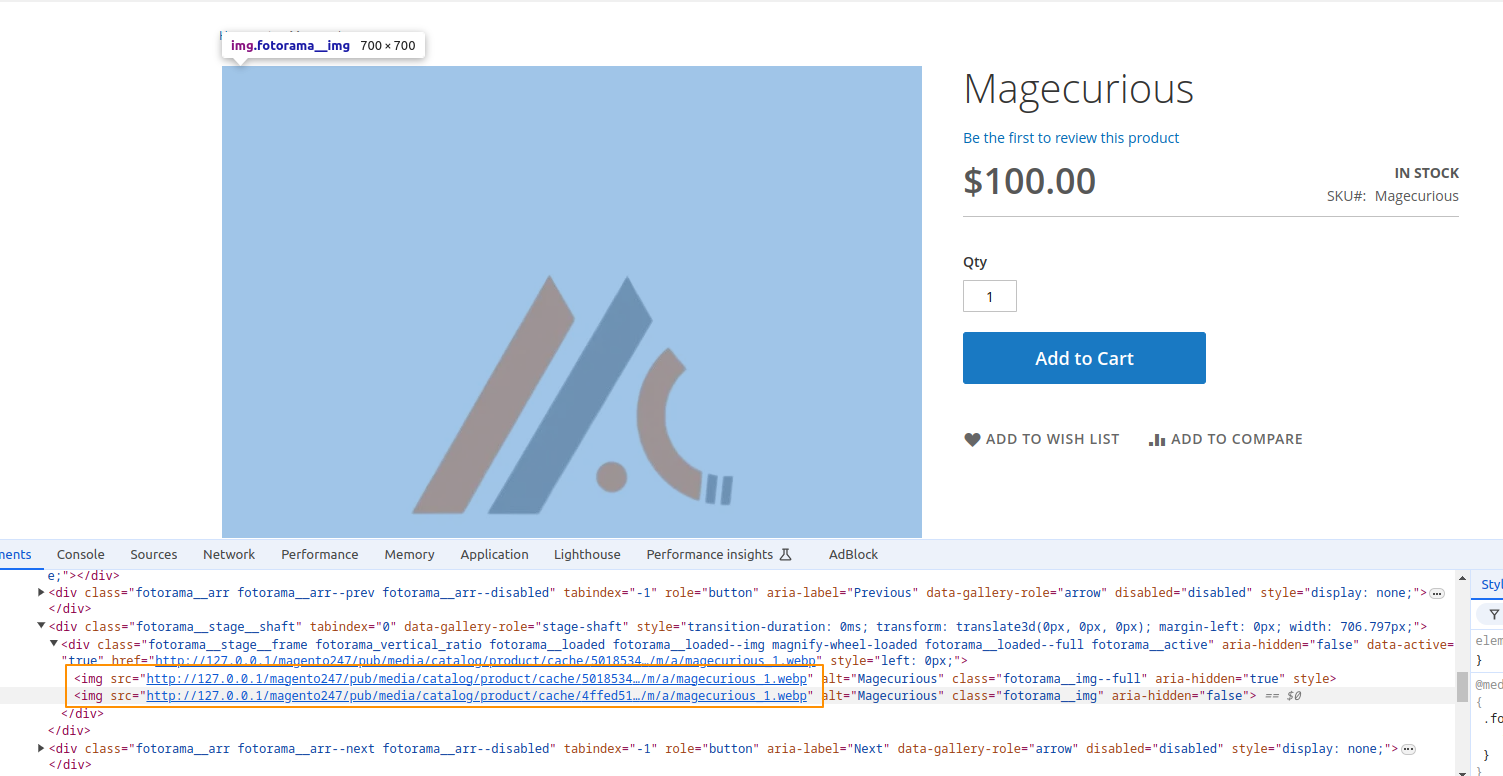
- This extension allows store administrators to seamlessly upload and manage WebP and SVG image formats for products, categories, and CMS pages. This results in faster loading times and a more efficient, high-performing website.
- WebP images offer superior compression, reducing file sizes without sacrificing quality, which leads to faster page loads and a smoother user experience.
- SVG images provide scalable, high-quality graphics that look great on any device and screen size.
- By integrating these modern image formats into your Magento 2 store, you’ll not only improve your site’s performance but also enhance its visual appeal, making it a more engaging experience for your customers.
- To learn more about how the extension works, read our user guide.
What Is The Purpose Of The Magento 2 WebP Image Upload Extension?
- The Magento 2 WebP Image Upload Extension is a valuable tool for any eCommerce store looking to enhance site performance, improve image quality, and optimize resource use.
- Integrating WebP support, helps store owners provide a faster, more efficient, and visually appealing shopping experience for their customers.
- If you’re looking to improve your Magento 2 store’s performance and take advantage of modern web technologies, this extension is a practical solution to consider.
Advantages Of The Magento 2 WebP Image Upload Extension?
- Faster Loading Times: WebP images are compressed more efficiently, leading to faster page load speeds.
- Reduced Bandwidth: Smaller file sizes mean less data transfer, which can lower hosting costs.
- Improved SEO: Faster load times and better image quality contribute to better search engine rankings.
- Enhanced User Experience: Higher image quality with reduced file sizes leads to a better visual experience for users.
- Automatic Conversion: Seamlessly converts existing images to WebP format without manual intervention.
- Browser Compatibility: Supports WebP format across modern browsers, improving visual consistency.
- SEO-Friendly: Optimized images can improve search engine visibility.
- Easy Integration: Simple installation and integration into existing Magento 2 setups.
- Better Performance: Optimizes images for both desktop and mobile devices for improved site performance.
Customer Support
+91 9327798896 OR Contact Us OR support@magecurious.com
Frequently Asked Questions
WebP is an image format developed by Google that provides superior compression methods compared to traditional formats like JPEG and PNG. It supports both lossy and lossless compression, as well as transparency, making it a popular choice for web image optimization.
WebP images can significantly reduce file sizes while maintaining high image quality, leading to faster page load times, reduced bandwidth usage, and improved user experience. These benefits can also positively impact SEO rankings and overall site performance.
A WebP image upload extension allows you to upload, manage, and serve WebP images in your Magento 2 store. It typically includes features such as WebP image conversion, WebP format support for media uploads, and compatibility with various Magento functionalities like product images and banners.
As of Magento 2.4.3 and later versions, Magento has introduced some level of WebP support. However, for advanced WebP functionalities like bulk conversion or more comprehensive management, an extension is still recommended.
Many WebP image upload extensions come with features for converting existing images to the WebP format. Alternatively, you can use standalone tools or services for bulk conversion and then upload the WebP images to Magento 2.
It is an extension that enables uploading and managing WebP images in Magento 2 for enhanced performance.
Yes, you can upload multiple WebP images at once using this extension.
WebP images are supported by most modern browsers, and this extension ensures compatibility where possible.