


Magento 2 Google Analytics 4 (GA4) With GTM


Magento 2 Google Analytics 4 (GA4) With GTM
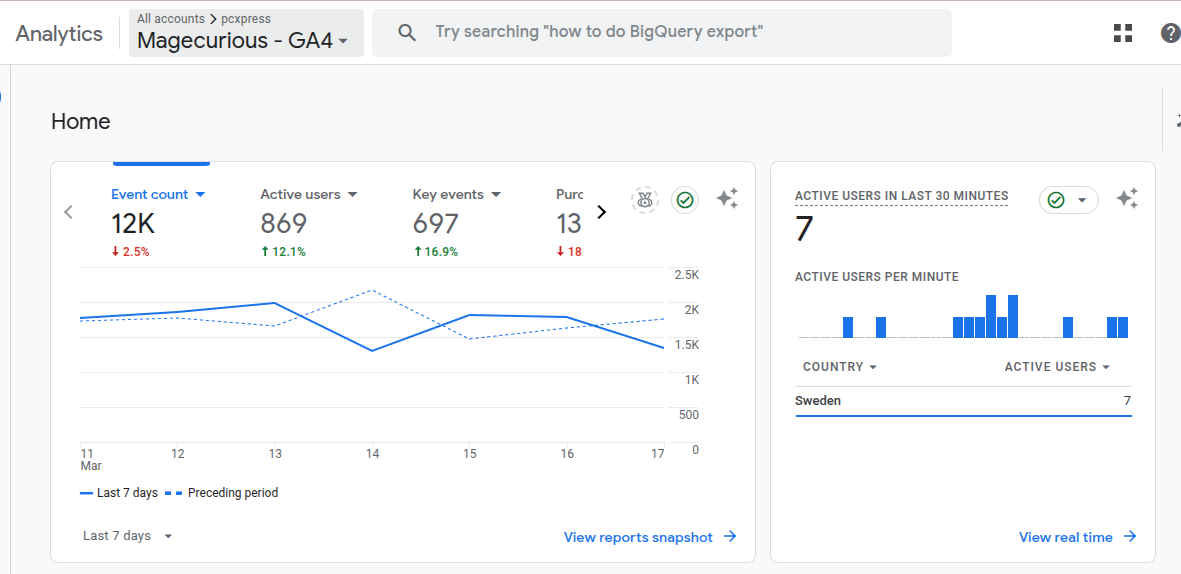
This extension helps store owners to track key customer interactions from homepage to the order success page, providing actionable data to optimize marketing strategies and enhance the shopping experience. By understanding customer preferences and engagement patterns, owners can make data-driven decisions to improve conversions and boost sales.
Features
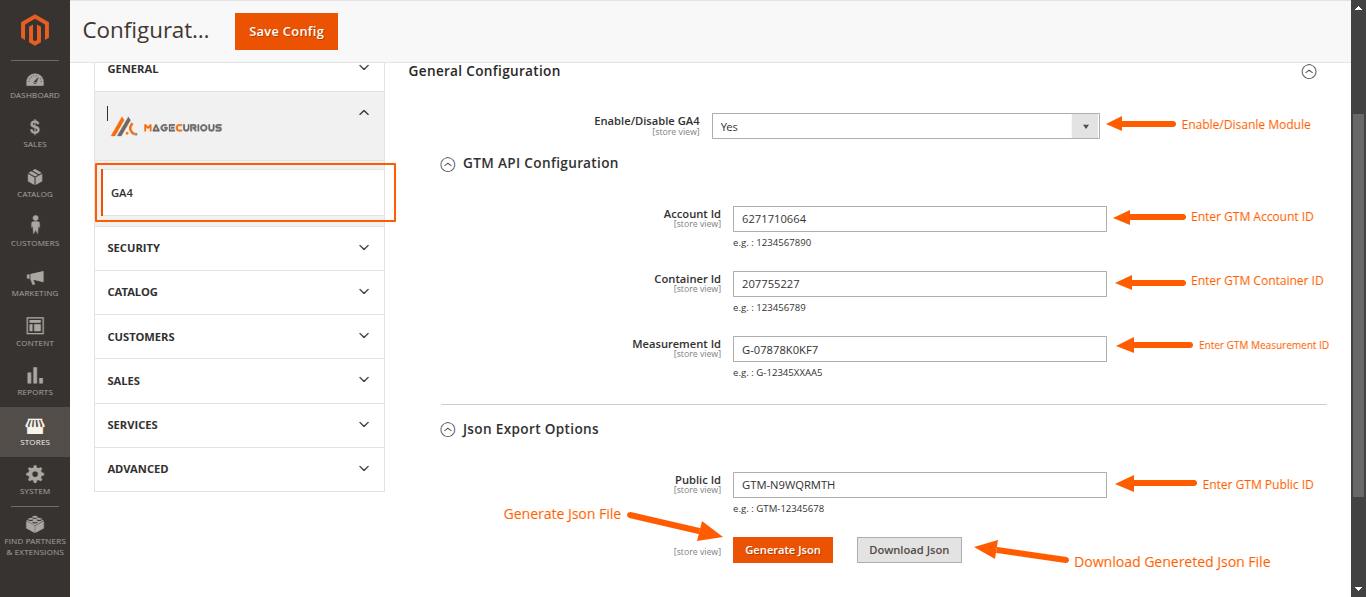
- The admin can Enable/Disable the module.
- No need for manual code implementation.
- No need to create Tags and Triggers manually.
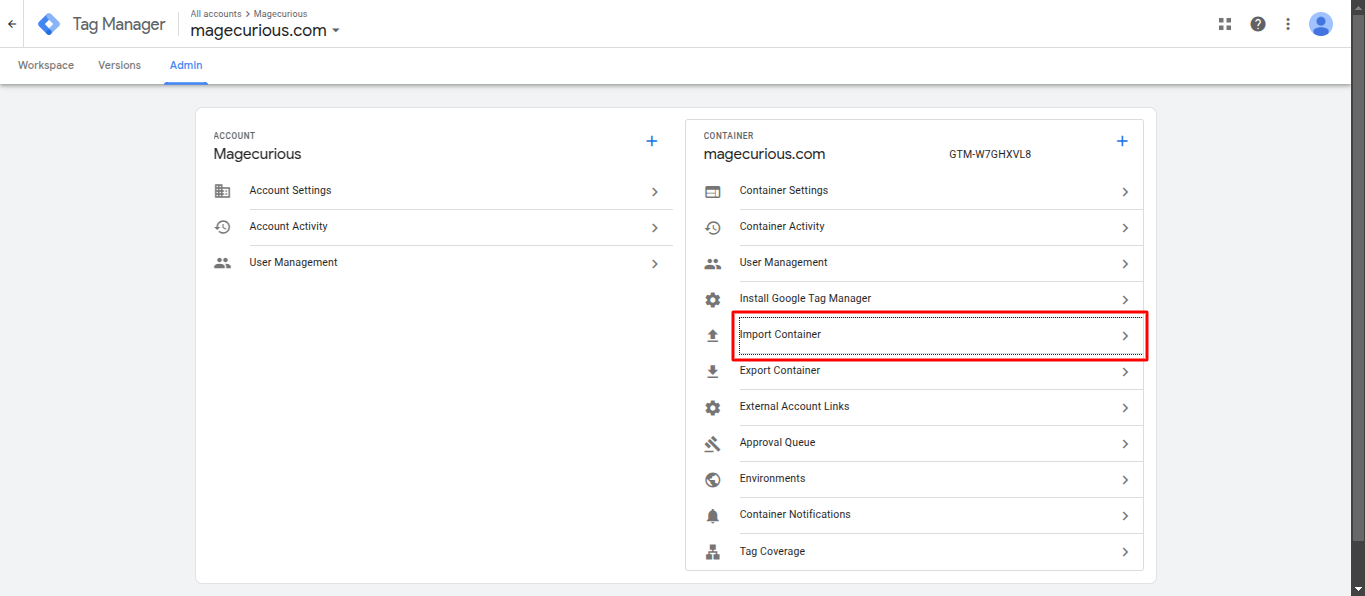
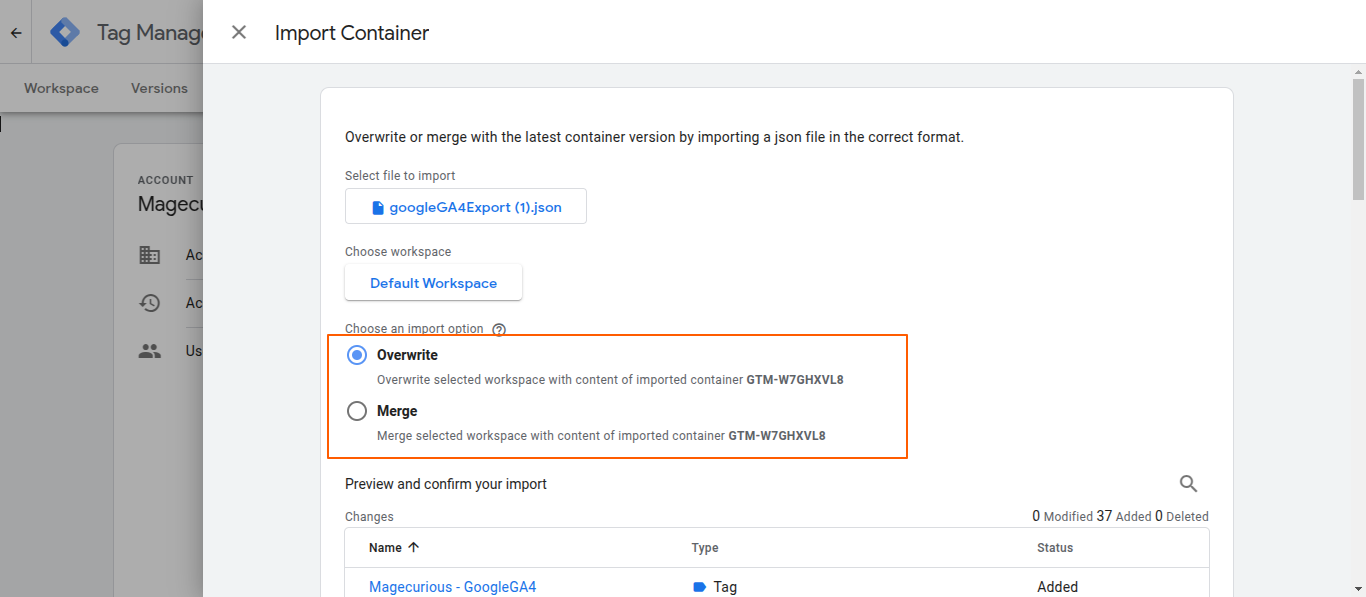
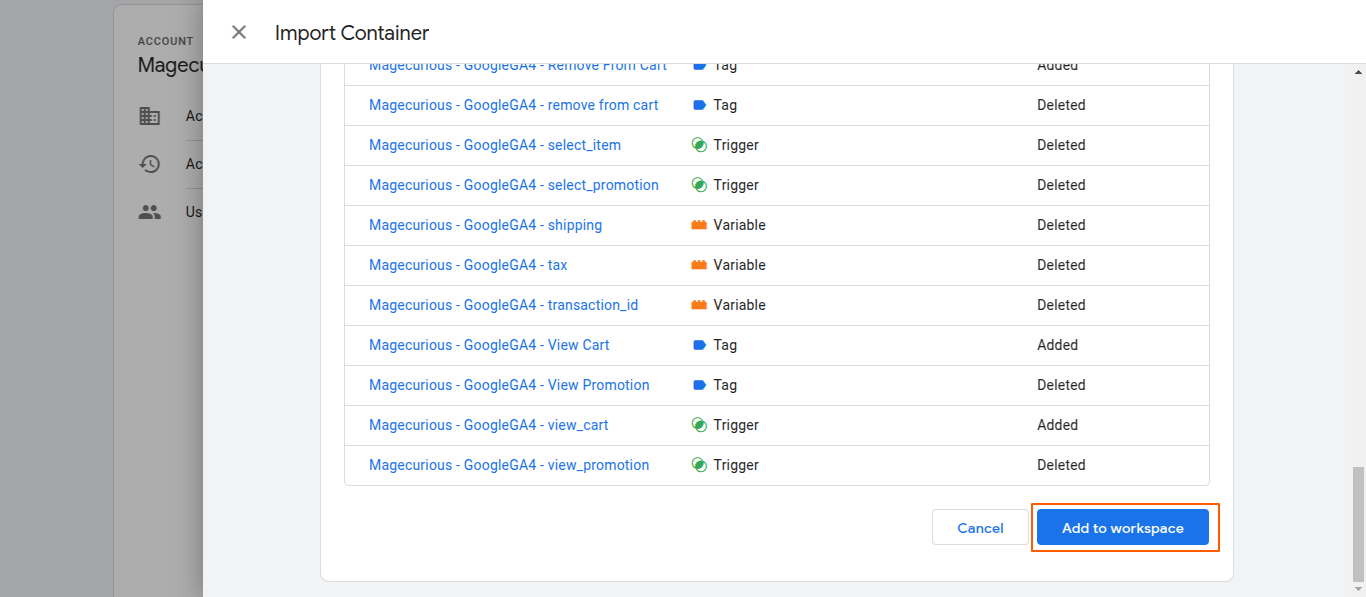
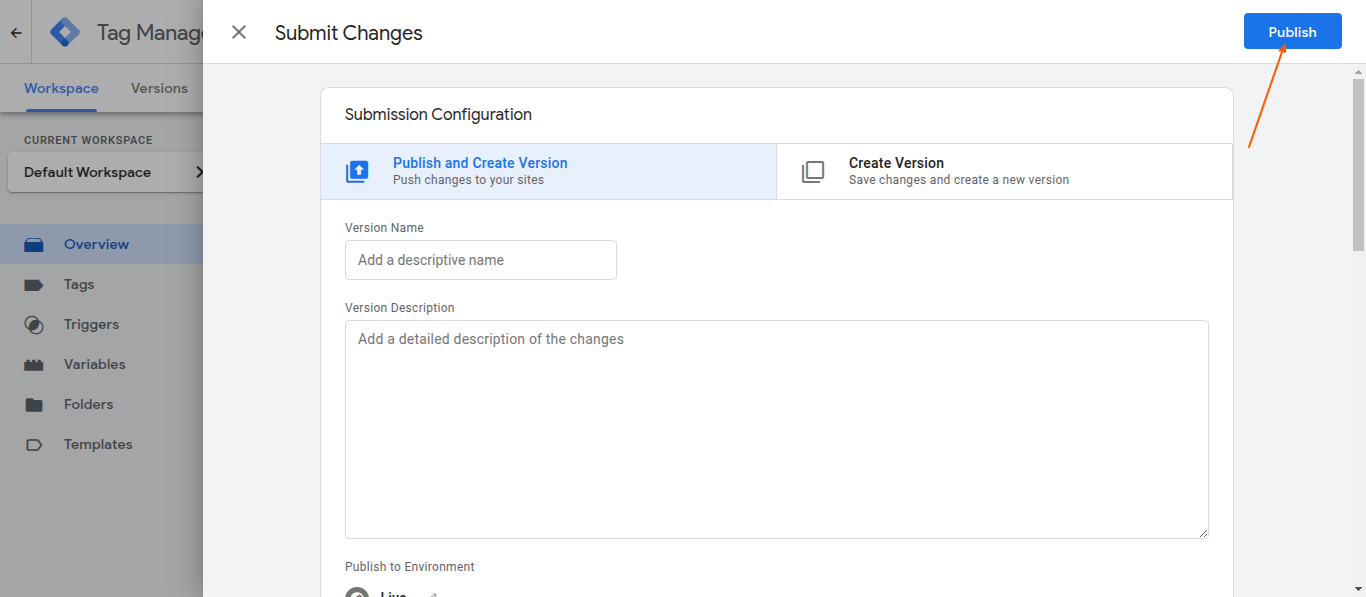
- Admin can generate JSON file export it in a single click and directly import it to GTM.
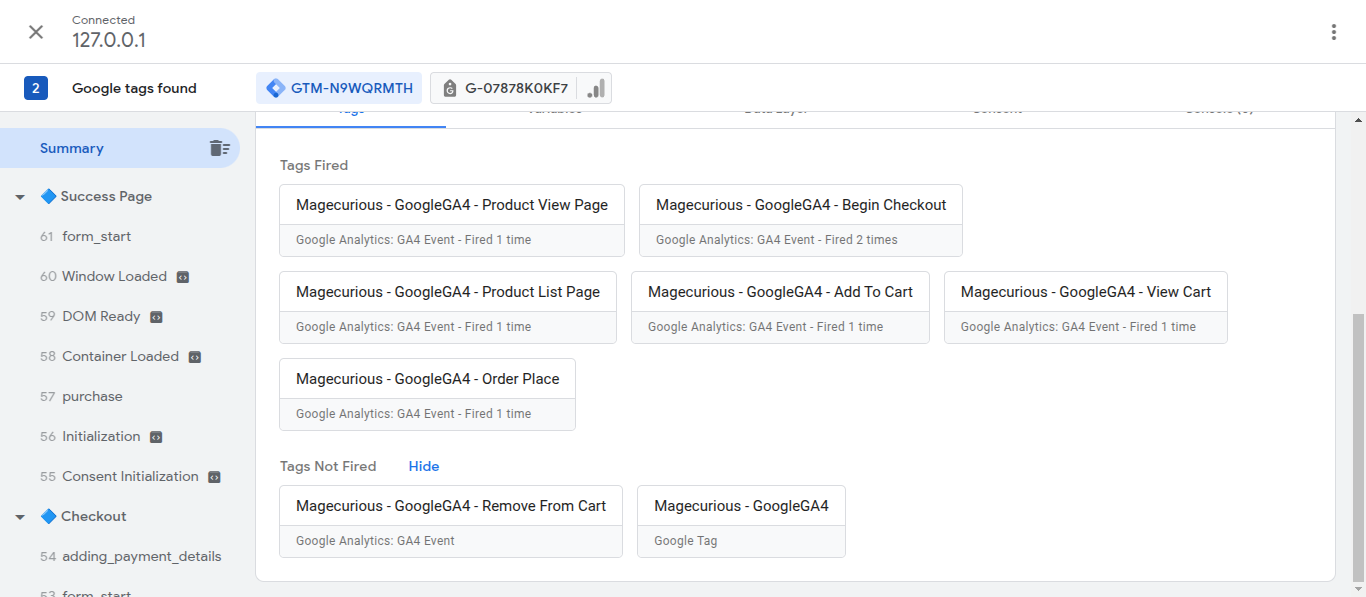
- Automatically track key eCommerce events, such as..
- View items on category pages
- Customers viewing product pages
- Add to Cart / Remove from Cart
- Checkout Process Steps
- Purchase Events (Order completion)
- Analyze user journey from landing pages to checkout.
- Get insights into customer retention, bounce rates, and session duration.
- Define and track custom user interactions such as.. Button clicks,Form submissions,Scroll tracking
- Compatible With 2.0.x, 2.1.x, 2.2.x, 2.3.x, 2.4.x

Magento 2 Google Analytics 4 (GA4) With GTM by MageCurious
Magento 2 Google Analytics 4 with GTM is a powerful extension designed to enhance tracking and event monitoring of your Magento 2-based online store.
The Magecurious GA4 Module is a powerful integration tool for Magento 2 stores, enabling seamless tracking and reporting of customer interactions using Google Analytics 4 (GA4). This extension empowers merchants with advanced analytics capabilities, helping them gain deep insights into customer behavior, measure the effectiveness of their marketing campaigns, and make data-driven decisions to optimize sales and conversions.
With easy configuration and robust functionality, the Magecurious GA4 Module ensures accurate tracking of key events such as product list, product views, add-to-cart actions, view cart actions, remove items from cart actions, checkouts, and purchases. It is designed to comply with modern analytics standards while ensuring compatibility with your Magento 2 store.
Owners can monitor below events through Magento 2 Google Analytics 4 With GTM extension.
- View Items List
- View Item
- Add To Cart
- Remove Items From Cart
- Begin Checkout
- Shipping
- Tax
- Coupan
- Affiliation
- Purchase
- Order Transaction Id
- Customers Details
To learn more about how the extension works, read our User Guide.
What Is The Purpose And Advantages Of The Magento 2 Google Analytics 4 Extension?
- Magento 2 Google Analytics 4 with GTM helps track, analyze, and optimize website performance by collecting user behavior data. It enables merchants to make data-driven decisions to improve conversions, enhance marketing strategies, and provide a better shopping experience .
- Advanced eCommerce Tracking
- Tracks critical eCommerce events like product views, add-to-cart, checkout steps, and purchases.
- Provides real-time insights into customer actions to optimize sales funnels.
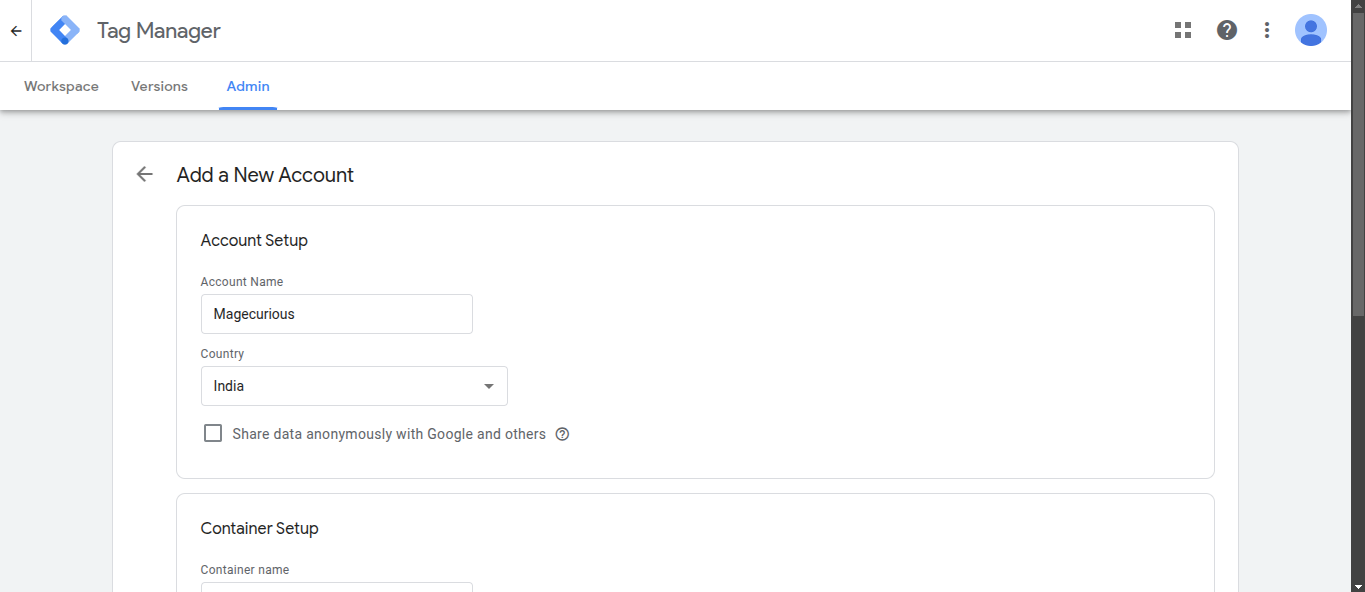
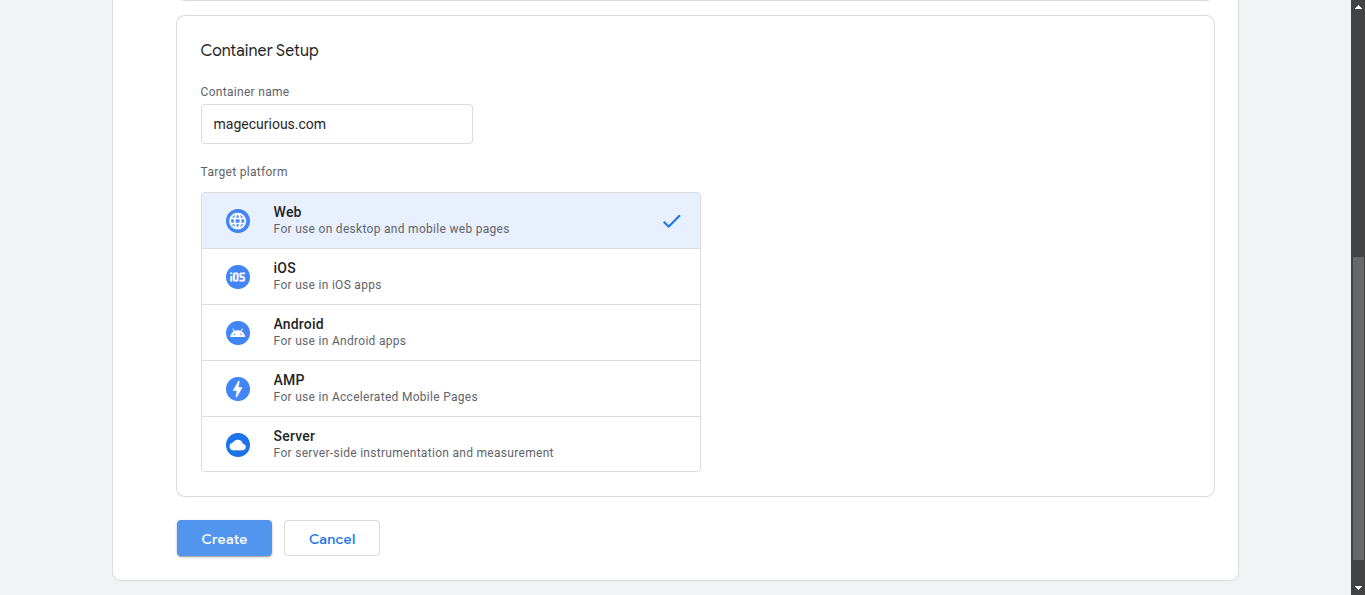
- Easily manage tags, triggers, and variables within GTM.
- Allows merchants to set up tracking without modifying Magento’s core code.
- Easily manage tags, triggers, and variables within GTM.
- Improved Customer Insights & Behavior Analysis
- Analyzes customer journeys, engagement, and retention patterns.
- Helps understand user preferences, bounce rates, and session duration.
- Better Marketing & Ad Performance
- Enhances Google Ads conversion tracking and remarketing efforts.
- Allows audience segmentation for personalized ad targeting.
- Real-Time Monitoring & Data Validation
- View real-time user activity in GA4 dashboards.
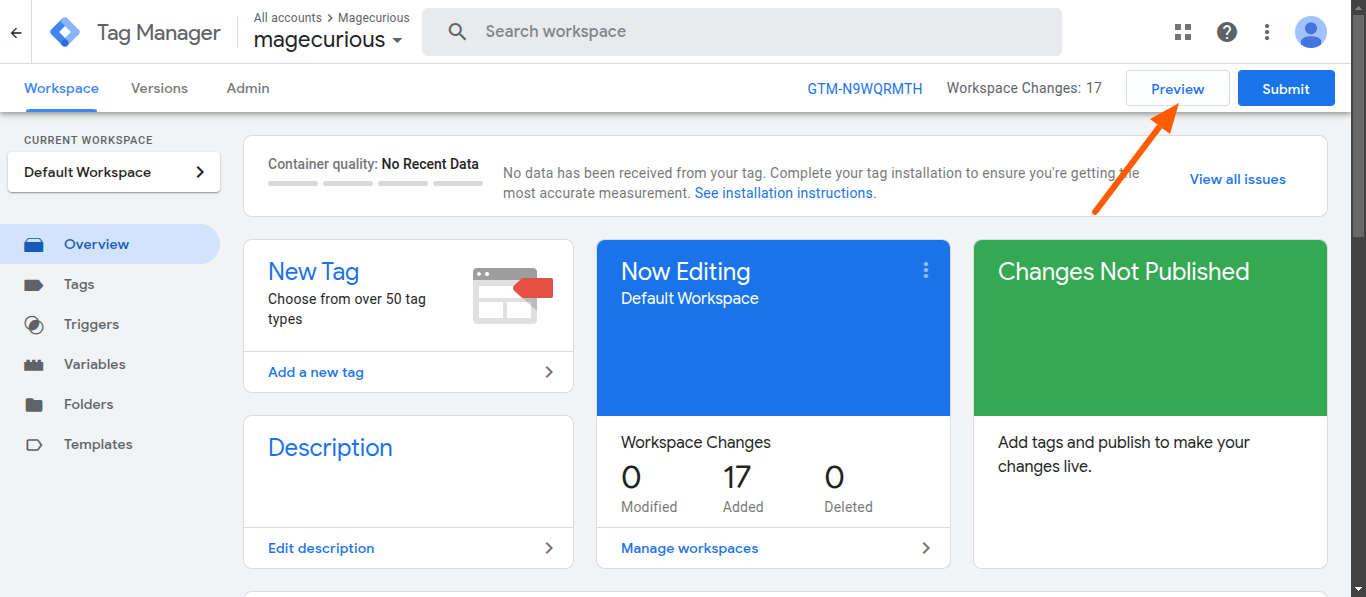
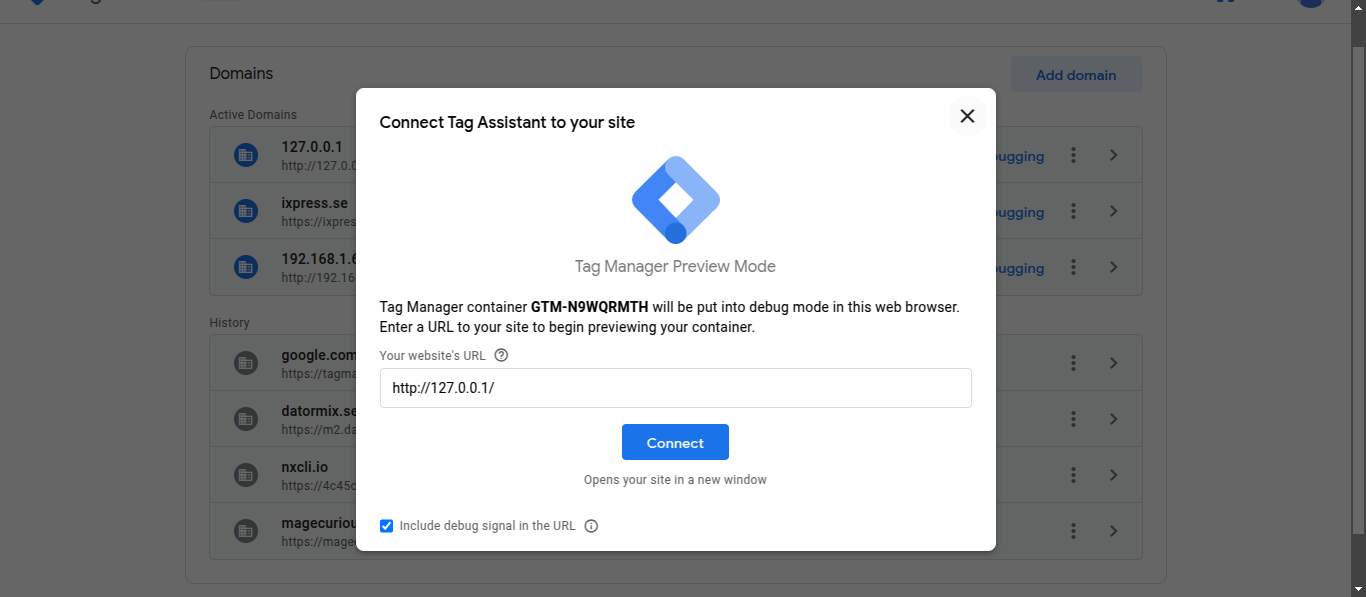
- Debug and validate tracking data using GTM Preview Mode & GA4 DebugView.
Customer Support
+91 9327798896 OR Contact Us OR support@magecurious.com
Frequently Asked Questions
No, Magento 2 does not provide built-in GA4 support. It only supports Universal Analytics (UA), which has been deprecated. You must integrate GA4 via Google Tag Manager (GTM) or use a third-party extension.
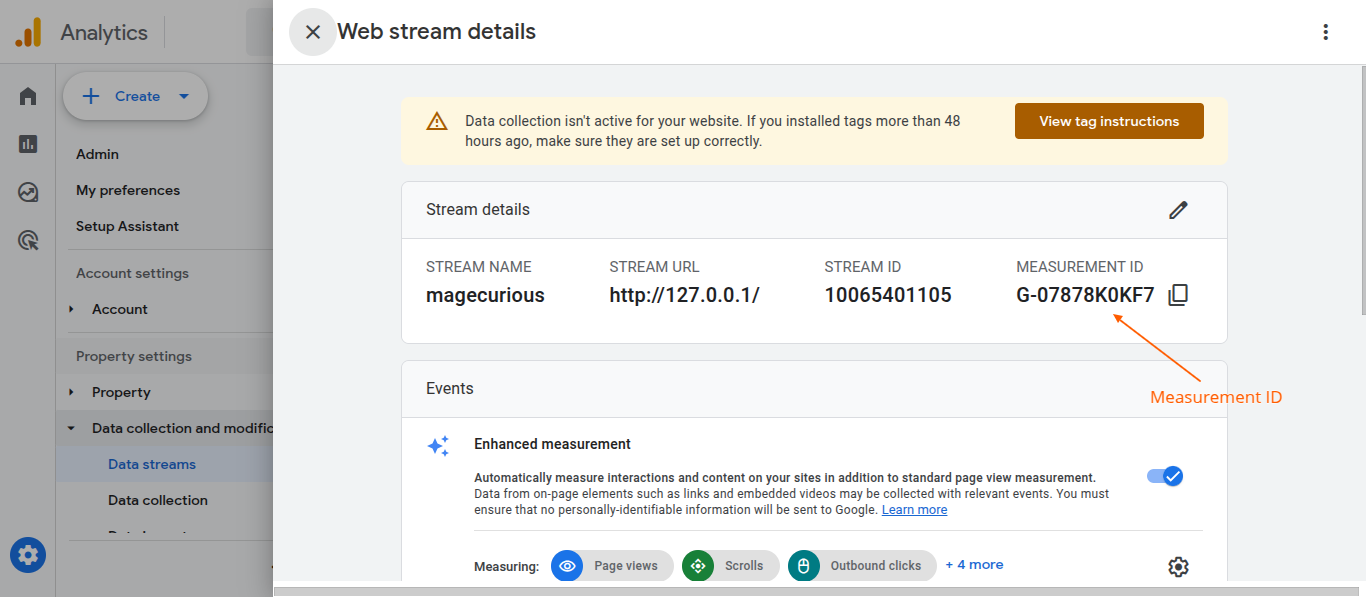
Go to Google Analytics (analytics.google.com). Navigate to Admin > Data Streams > Select your website. Copy the Measurement ID (format: G-XXXXXXXXXX).
Yes, the module is fully compatible with Google Tag Manager (GTM).
Pre-configured tracking – No need for manual event setup.
Google Analytics DebugView – Verify event data under Admin > DebugView.